On this page
- What is Form 8879 used for?
- What's on the form?
- Does Form 8879 get filed with the IRS?
- When do you sign it, and how?
- What should you check before you sign?
- Are there versions of Form 8879 for businesses?
- What if you file your own return?
- Is signing Form 8879 the end of the process?
- Frequently asked questions
- What's the next step?
- Related reading
IRS Form 8879: What the E-File Signature Authorization Is and When You Sign It
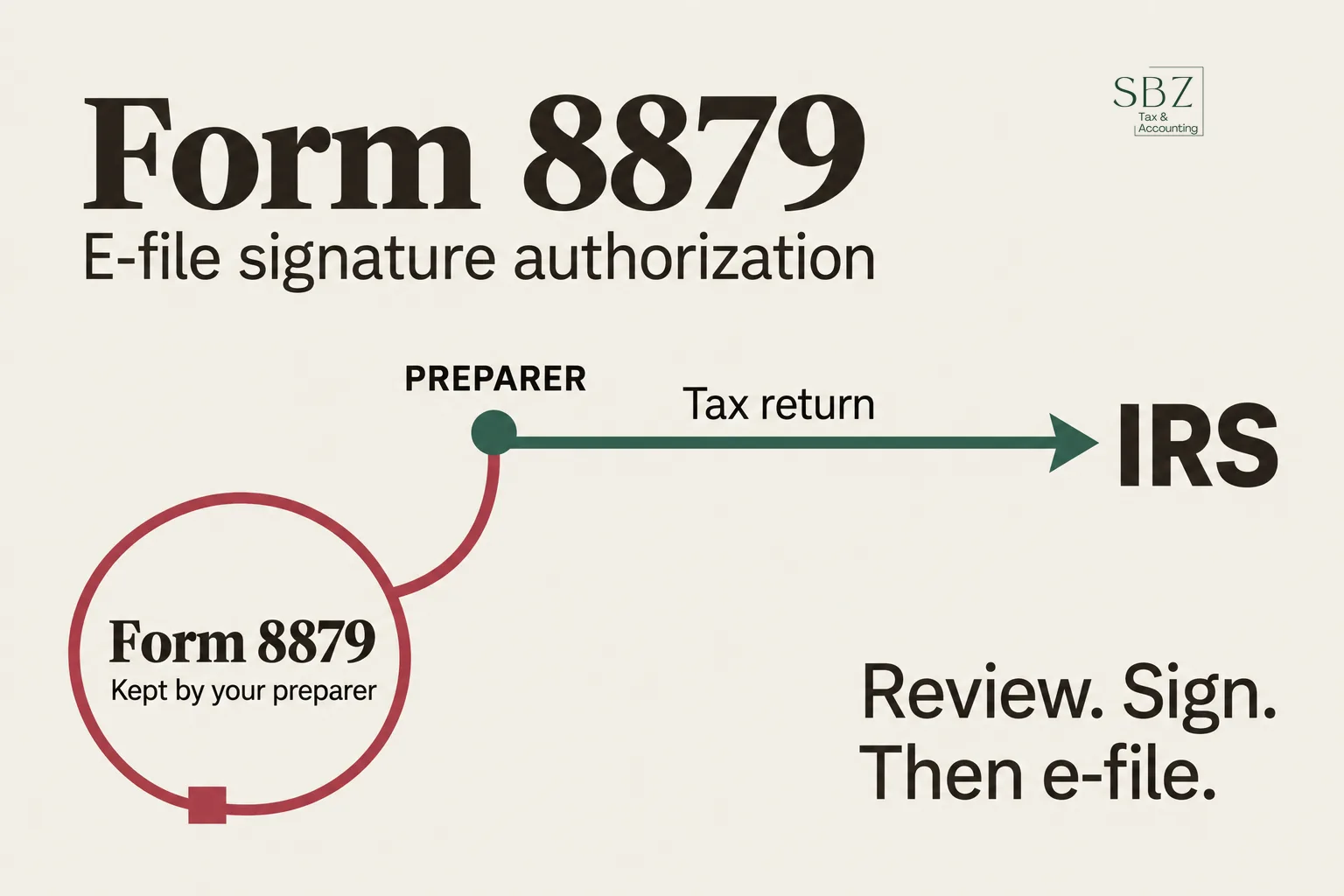
IRS Form 8879, the IRS e-file Signature Authorization, is the form you sign to let your tax preparer electronically file your return and, in most cases, enter your PIN as your signature. It is not sent to the IRS. Your preparer keeps it on file as proof that you reviewed and approved the return before it was transmitted.
If you've ever been handed a one-page summary of your return and asked to sign before filing, that was probably Form 8879.
What is Form 8879 used for?
Form 8879 replaces the handwritten signature on your return when it is filed electronically through a paid preparer. The preparer is called the Electronic Return Originator, or ERO. The ERO is the person or firm that transmits your return to the IRS.
The form does three things:
- It shows the key numbers from your return so you can confirm them before filing.
- It records your declaration, under penalties of perjury, that the return is true, correct, and complete to the best of your knowledge.
- It authorizes the ERO to e-file the return and, if you choose, to enter or generate your five-digit PIN.
The "penalties of perjury" part is why you should read the numbers before signing. Your signature carries the same weight as it would on a paper return.
What's on the form?
Form 8879 has three parts.
Part I: Tax return information. This summarizes the return: adjusted gross income, total tax, federal income tax withheld from Forms W-2 and 1099, the amount to be refunded, and the amount you owe. It's a quick sanity check, not the full return.
Part II: Declaration and signature authorization. Here you check one box: either you authorize the ERO to enter or generate your PIN, or you'll enter the PIN yourself. You also write in your five-digit self-select PIN (any five digits except all zeros), then sign and date. If you're filing jointly, both spouses sign.
Part III: Certification and authentication. This is the preparer's section, with their EFIN (Electronic Filing Identification Number) and signature. You don't fill it out.
One detail trips people up: this PIN is not your Identity Protection PIN. An IP PIN is a separate six-digit number the IRS issues to protect your account. If you have one, your preparer needs it as well, but it doesn't go in the 8879 PIN box.
Does Form 8879 get filed with the IRS?
No. The ERO keeps the signed form, and the IRS can ask to see it. Under IRS e-file rules, the preparer retains it for three years from the return's due date or the date the IRS received the return, whichever is later.
You should still ask for a copy. If a question ever comes up about whether you approved a return, that signed form is the record.
When do you sign it, and how?
You sign before the return is transmitted. The ERO can't send your return until they have the signed form (or an equivalent authentication) in hand. That's why preparers often send it near the end of the process, once the return is finished and ready for your review.
Signing doesn't have to happen in person. Many preparers collect signatures through secure e-signature software, and scanned or electronically signed forms are generally accepted under current IRS rules. If you work with a preparer remotely, this is usually how it works.
If the return is rejected by the IRS and needs corrections, the numbers may change. When the figures change materially, the preparer typically needs a new signed Form 8879 before resubmitting. That's normal, not a sign something went wrong.
What should you check before you sign?
Here's the short version. Before signing, confirm:
- Names and Social Security numbers match your cards exactly.
- Filing status is correct, especially if your marital or household situation changed.
- Adjusted gross income, total tax, and refund or balance due match what you expect from your records.
- Bank account and routing numbers are right if you're having a refund deposited or a payment withdrawn.
- Anything you were unsure about has been answered. Ask your preparer before you sign, not after.
Once the return is accepted, fixing a mistake means an amended return. If you're in that spot, see how Form 1040-X works and when it's the right move.
Are there versions of Form 8879 for businesses?
Yes. The base Form 8879 is for individual returns (Form 1040). Entities have their own versions, and each follows the same idea:
- Form 8879-S for S-corporation returns (Form 1120-S). If you're running one, our S-corp tax services page explains how we handle the filing side.
- Form 8879-PE for partnership returns, which pairs with Form 1065.
- Form 8879-CORP for C-corporation returns.
- Form 8879-F for fiduciary returns, which pairs with Form 1041.
- Form 8879-EO for exempt organization returns.
An authorized person for the entity signs, such as an officer, partner, or fiduciary.
Extensions have a related form. If you're making an electronic payment with an individual extension request, you may be asked to sign Form 8878 instead. For business extensions, see how Form 7004 works.
What if you file your own return?
If you e-file yourself with tax software, you don't use Form 8879. Instead, you sign electronically with a self-select PIN, and the software typically asks for your prior-year adjusted gross income to verify your identity. If you don't have that number handy, an IRS transcript will show it.
Is signing Form 8879 the end of the process?
Not quite. After the ERO transmits your return, the IRS sends an acknowledgment that the return was accepted or rejected. Accepted means it passed the IRS's initial checks, not that it's been fully reviewed. If you owe a balance, payment is still due by the deadline whether or not you've filed. If you've missed it, here's what to do after missing the filing deadline, and our IRS tax problem help page covers notices and balances that follow.
Frequently asked questions
Do I have to sign Form 8879 if my preparer e-files my return?
In most cases, yes. When a paid preparer e-files your individual return, the IRS requires your signature authorization, and Form 8879 is the standard way to give it. Some returns require a different form, such as Form 8453, when paper documents must accompany the e-filed return.
Can my preparer sign Form 8879 for me?
No. The taxpayer signs Part II. If you choose to let the ERO enter your PIN, you still have to sign the form authorizing them to do so. Joint filers each sign for themselves.
How long does my preparer have to keep Form 8879?
Three years from the return's due date or the date the IRS received it, whichever is later. The form isn't mailed to the IRS unless they request it.
What happens if I never sign Form 8879?
The preparer can't e-file your return. You'd need to sign the form, authenticate another way the IRS allows, or file a paper return. Nothing is submitted without your authorization.
Is Form 8879 the same as Form 8453?
No. Form 8879 authorizes the e-file and your PIN signature. Form 8453 is used when you must send supporting paper documents to the IRS alongside an e-filed return. Which one applies depends on the return.
What's the next step?
If your preparer sends you Form 8879, review the numbers on the return itself first, then sign. If something looks off, ask before you authorize filing.
If you're looking for a preparer who walks you through the return before you sign, SBZ Tax works with individuals and small business owners nationwide, remotely or at our Palmdale office. You can book a free consultation, see pricing, or call 818-748-2020. For year-round help beyond filing, our tax planning team can help.
This article is general information, not tax advice for your specific situation. Talk to a qualified tax professional about your own return.